
Imposter
One player doesn't know the secret word and has to fake it. Will you catch them in time?
Dice
Digital dice for any board game. Pick the count, roll, and lock it in.

Scoreboard
Keep score for any card or party game, round after round.

Fingerpicker
Everyone places a finger on the screen — after the countdown the app randomly picks who's up.

Heads Up
Hold the phone to your forehead and guess the word from the clues the others give you.
Bomb!
Name something from the category and pass it on before the bomb goes off — at a random, hidden moment.
Higher Lower
Guess whether the next playing card is higher or lower. Pick 1 to 4 decks and see how many of each card have already come up.
Spin the Bottle
Hold the button and let go: the longer you held it, the longer it spins. Pick what spins in the settings.
Picture Cards
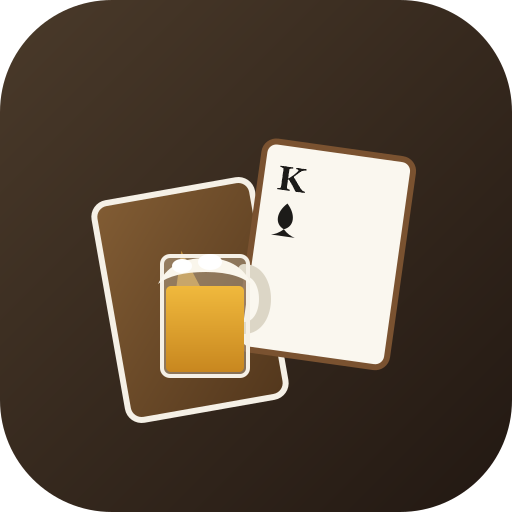
Flip over the 52 cards. Land on a picture card and a full glass of beer appears — time to drink.
Wheel of Fortune
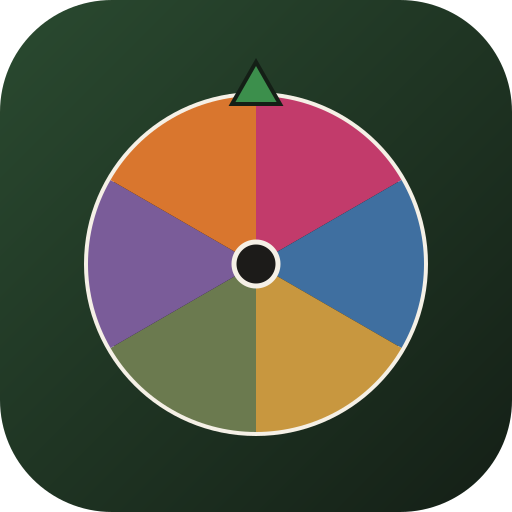
Fill in your own names, press Spin and see who the wheel picks. With a clicker sound at every peg.

BuzzerBeater
Stop the clock exactly on the target time — blind if you dare. The closer to 100%, the higher your score.